How we redesigned Umi’s lessons page
for immersive language learning
Start Up
UX Research
UX Design
Role
UX design intern
Duration
8 weeks
Location
Honolulu, Hawai’i
What is Umi?
We all know how hard it is to learn a new language. But what if you could combine that with something that you already love to do: watch tv shows and movies. That’s where Umi comes in!
Umi is a language learning app that uses real clips from shows and movies to help users learn in a fun, engaging, and natural way.
Our final product
Throughout an 8-week internship, our team dove into UX research and design to give Umi’s lessons page a refresh.
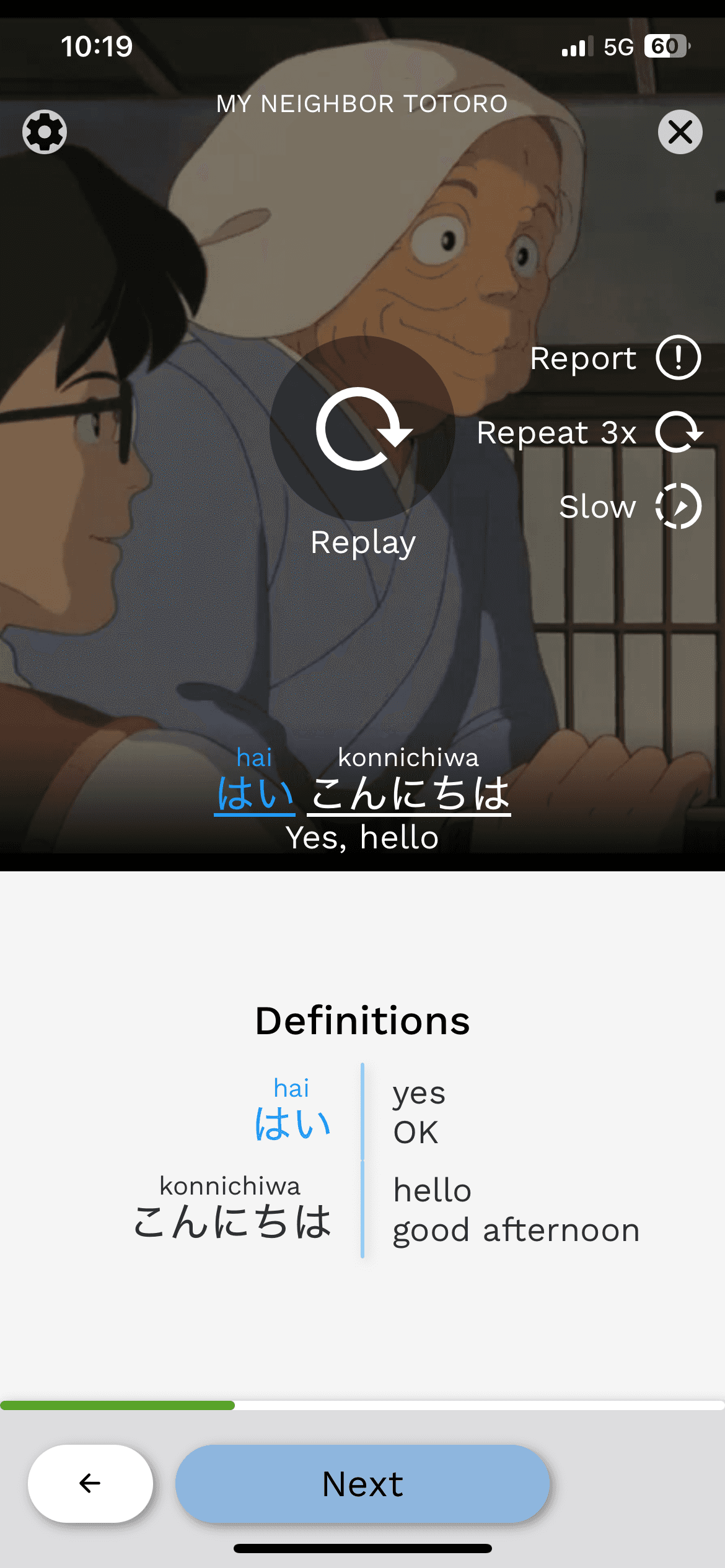
We created a clearer, more streamlined experience for learning vocabulary, simplifying te word list and redesigning Umi’s video player to better highlight the clip itself, taking inspiration from popular streaming platforms we all know and love.
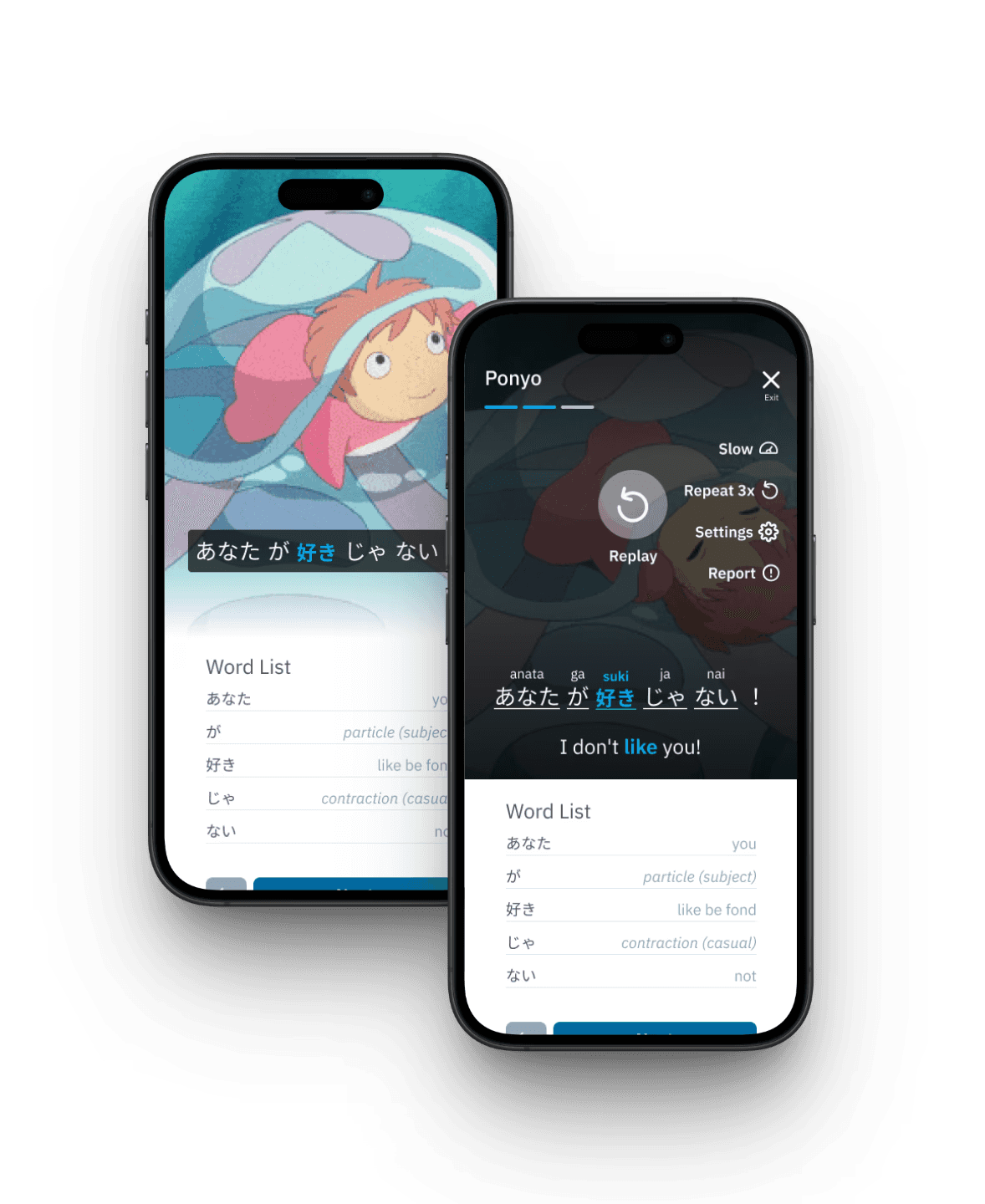
Our Final App Design
The team
Through Pi’iku’s 8-week long design internship program
me!
UX design intern


gage
UX design intern
mele
design mentor

What’s wrong with Umi?
Current Umi Lessons Page
Going into this project, we were tasked by the Umi co-founders with solving one main problem:
The current lessons page was cluttered and confusing, which made it difficult for users to learn effectively. At the time, the Umi team was prioritizing their Japanese language-learning audience, and given the complexity of the language, they saw an opportunity to redesign the page to be more streamlined, intuitive, and visually engaging.
This was a broad challenge we weren’t initially sure how to tackle, so we turned to users directly.
User research we conducted

1. Call it loitering, we call it research.
We stood outside a boba shop and wandered mall food courts to talk to people about their language learning habits and get feedback on Umi’s current designs (don’t worry, we asked for permission of course).
2. Want user feedback? Just ask them!
Umi already had an established Discord community, so we sent out a feedback survey for Umi's current designs and received 16 responses back.
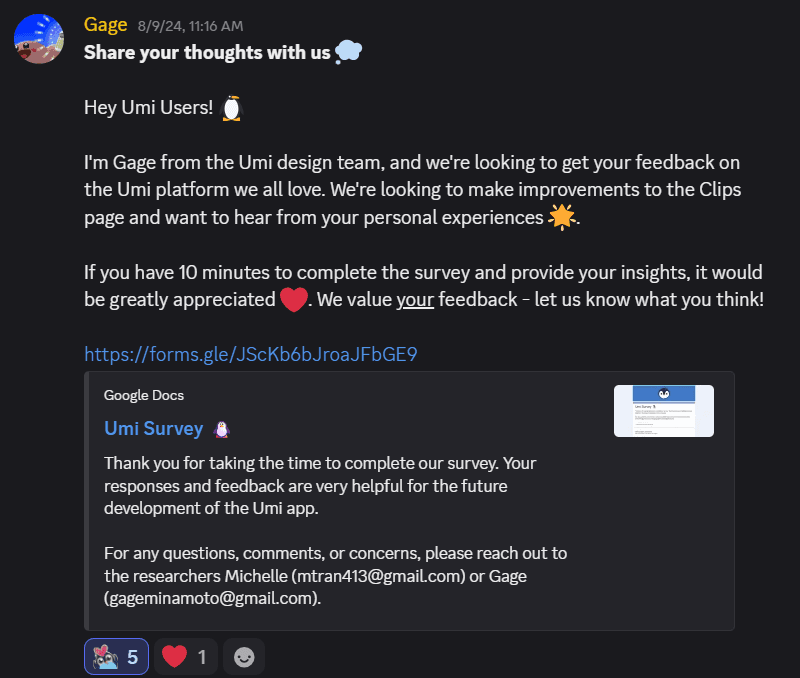
From our user research, we determined 2 main takeaways that would (spoiler alert) later guide our design solutions.
Our 2 main takeaways
“I love the video clips, but I feel like they aren’t being used to their fullest potential...”
People thought that learning through video clips is very effective, yet the video clips didn’t feel like the main focus on the lessons page and the subtitles also felt disconnected. The video clip aspect is what makes Umi so unique, yet why does it not stand out?
60% of Umi users stay active over 3 months.
We found that Umi fans are loyal to the app. Why do Umi fans stay? Along with the unique video aspect, we also think that current Umi users value familiarity and once they start, they keep on going.
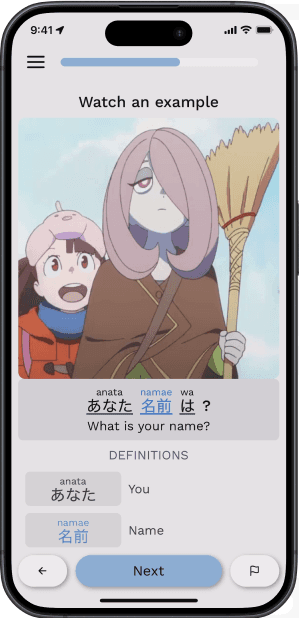
The creative stuff (our design process)
Still on a high from all the juicy information we uncovered in our research process, we dove straight into design ideation with our takeaways in mind.
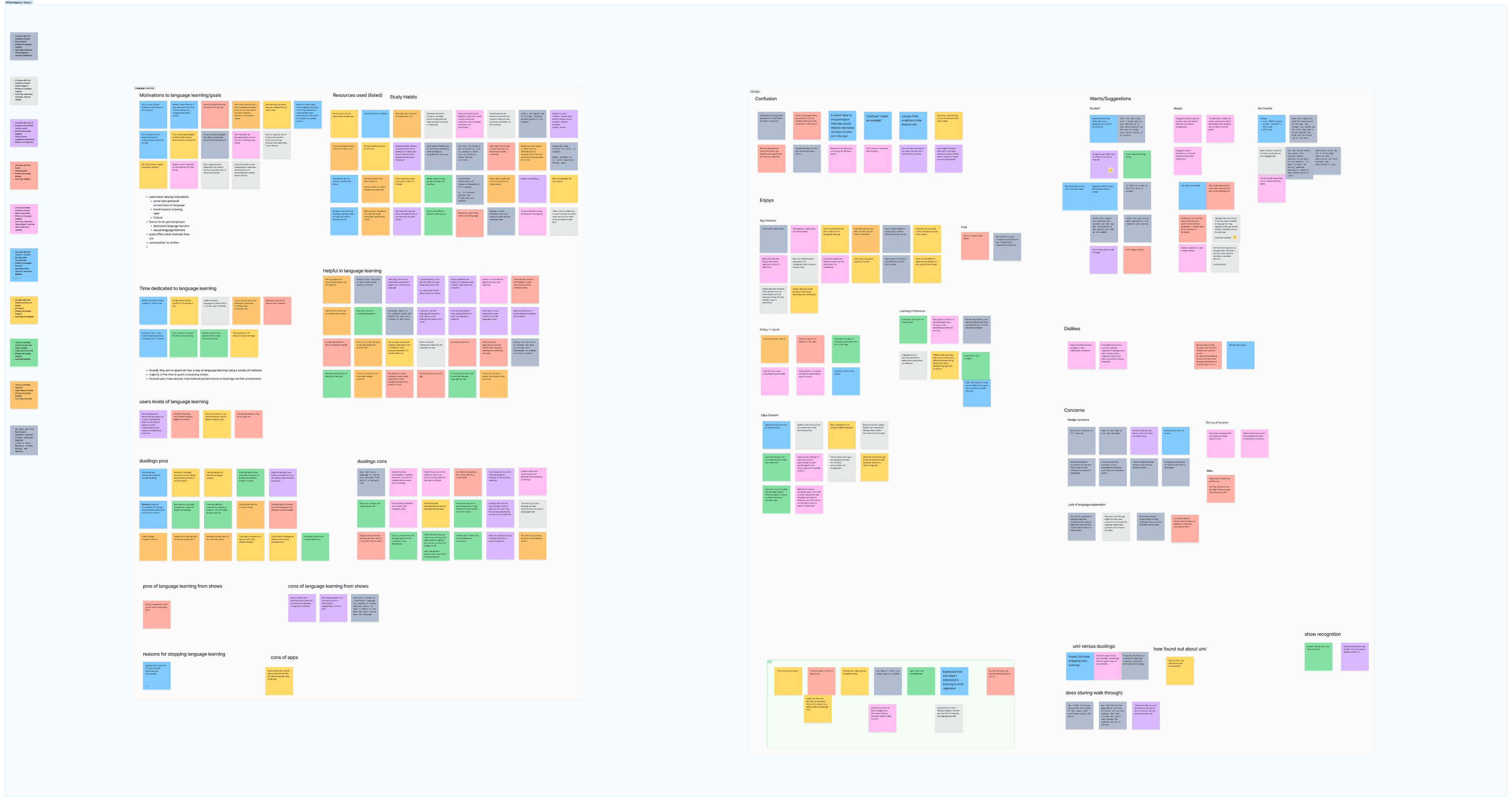
Lots of Ideas Brewing Up in Our FigJam Board
I wish I could go in-depth about all the different design directions we explored—from extreme gamification to interactive vocab cards and pronunciation tips—but here are a couple directions that we found interesting:
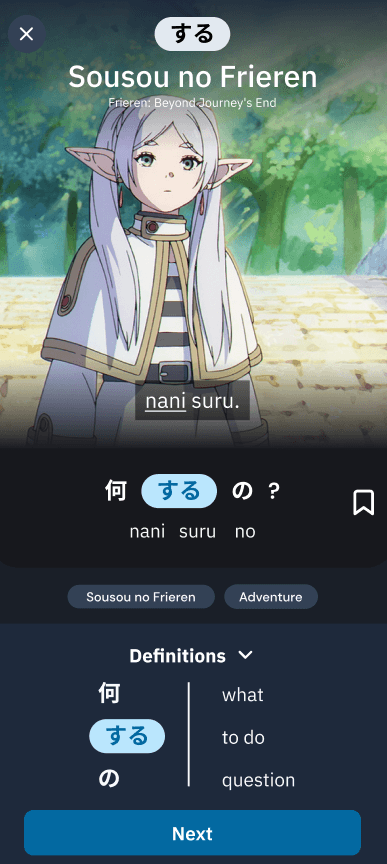
Drumroll for our final solutions....
Due to time constraints, we ultimately decided on these main solutions that directly related back to our two takeaways.
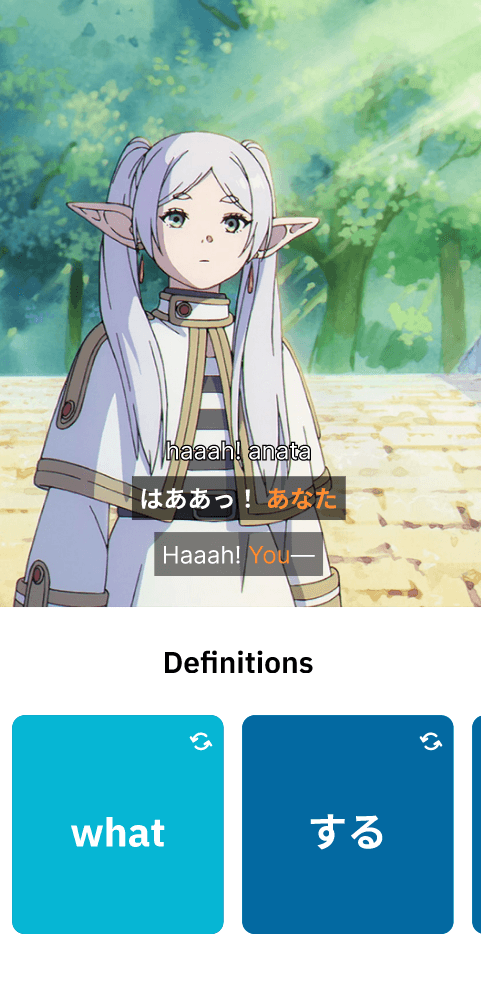
We drew inspiration from popular streaming platforms like YouTube and Netflix, which prioritize video as the central experience. We introduced these key updates:
Added more video controls within the player overlay
Extended the video to be borderless for a more immersive view
Integrated captions directly on the video instead of below the video
“I love the video clips, but I feel like they aren’t being used to their fullest potential...”
Overlay Before
Overlay After
Umi fans are loyal.
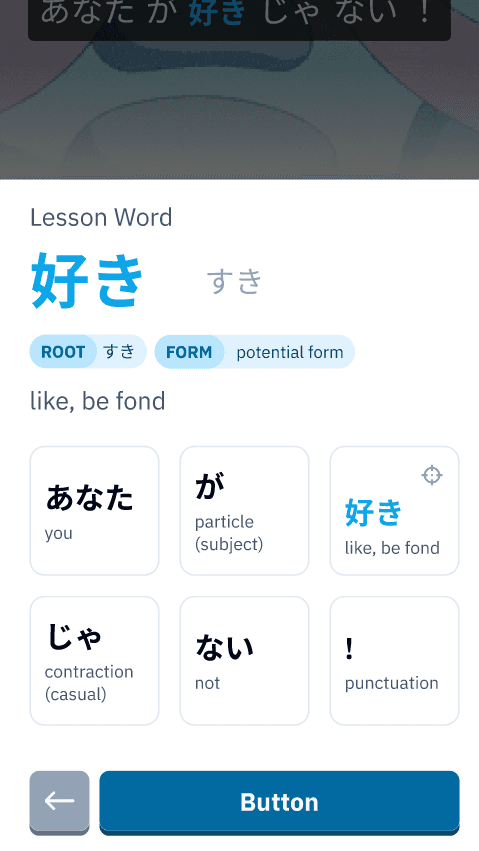
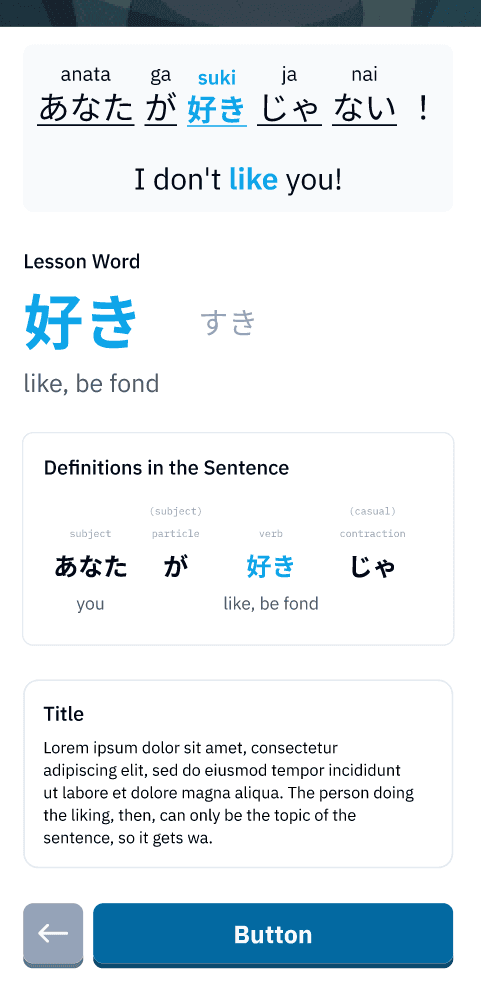
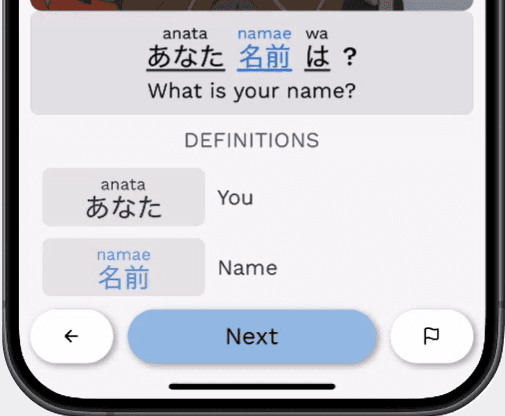
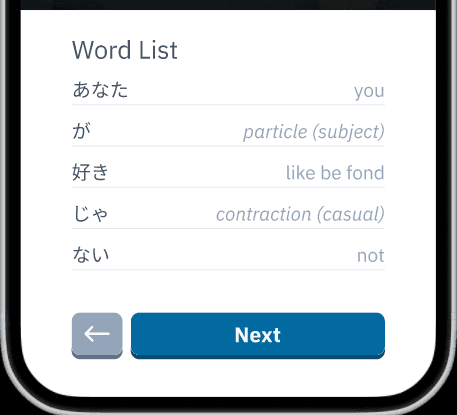
This takeaway was addressed in the word list shown on lessons page. While we explored several iterations (including fun flashcards and detailed sentence breakdowns), we ultimately kept the word list close to its original layout, making only minor visual tweaks to streamline it and reduce confusion for users.
Although innovative solutions can be interesting and new, sometimes a layout that is familiar to users is the way to go.
Word List Before
Word List After
Sharing with the community
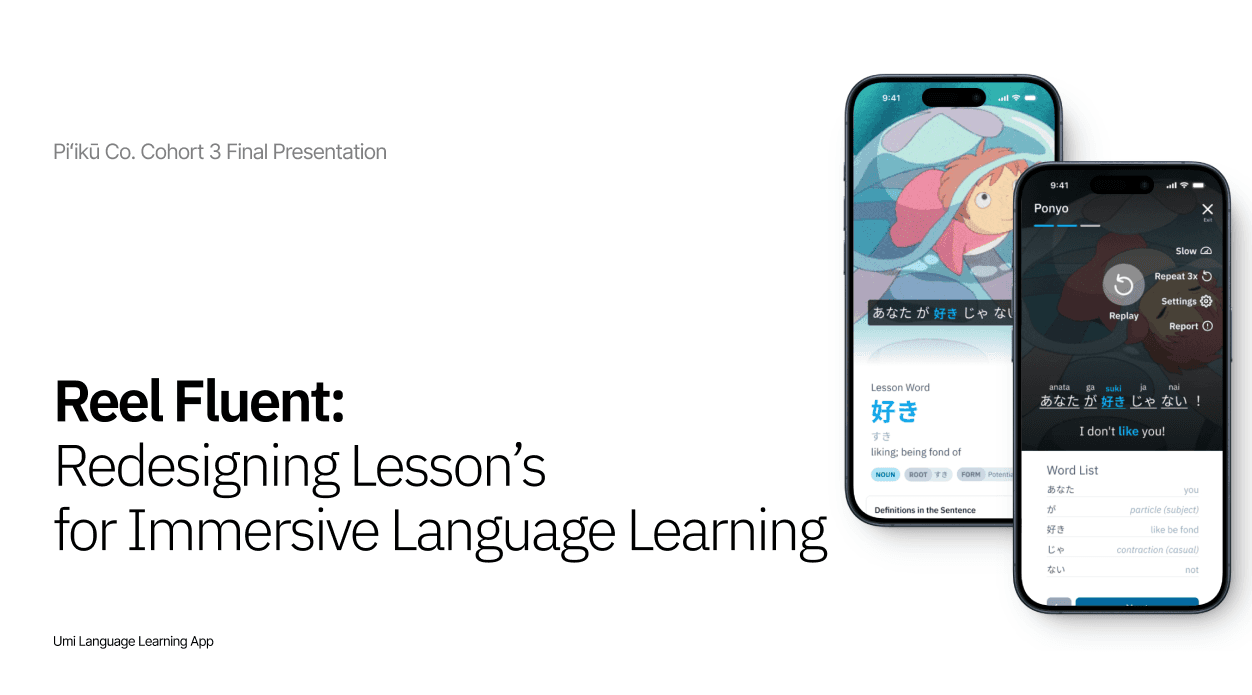
Through Piʻikū, Gage and I presented our findings and redesign at the first ever Honolulu Tech Week in October 2024. With over 100 people in attendance, we were proud to showcase what we had been working on for the past 8 weeks.
Our Figma Slides
Presenting at Honolulu Tech Week 2024

What was shipped
What made this experience so impactful was that our designs were actually shipped into the app. Although they weren’t pixel perfect to our Figma mockups, we were extremely proud to see our ideas in the hands of actual users.
Our video player design and captions on the video!
Simplified word list!
copyright michelle tran 2025